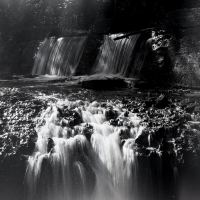
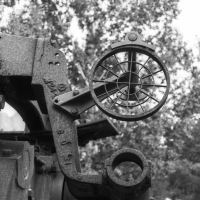
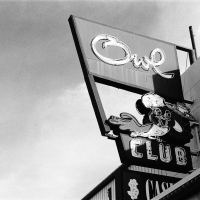
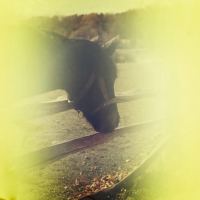








It has always bothered me that high-quality scans have to be reduced for viewing on the internet. To fix this, I've created what I'm calling the grain inspector. Now you can upload a file of any size, and choose a 1:1 crop of a section of the photograph. The original file gets downsized as normal, but now you'll also have that 1:1 crop for inspection. Editing photos also has this option in case anyone would like to go back and replace an image with a larger version that includes the grain inspector. Check out this example: 8x10 Wind & Snow. I really wanted to show the detail of the snow on the roof in this scan of an 8x10 negative but had no way without a huge file. The grain inspector makes it possible.
Grain Inspector
2 comments
thinbegin
· Oct 19, 2026
I didn't realize (until this article had me take a closer look) that the site compresses/shrinks uploads to what looks to be 1600 on the ling side (is that right?).
I always re-size (shrink) my files before upload, but now I know I could have been shrinking them even more. I typically shrink down to 2200 on the long edge, which is still somewhere in the neighborhood of 25-30% larger than the site supports. Good to know!
Ken Mullinix
· Oct 19, 2026
That's right, 1600 on the long side. I think the grain inspector will be very useful!
Log in
or create a free account to comment.